
A Pentester's Guide – Part 5 (Unmasking WAFs and Finding the Source)

WAF's
Before discussing WAF bypass techniques, it helps to establish some foundational knowledge. A Web Application Firewall typically acts as a proxy between the client (you the user) and the server itself. WAFs can analyze and scan all http requests to and from the server for payloads like SQLi, XSS, or XXE, blocking them in real-time.
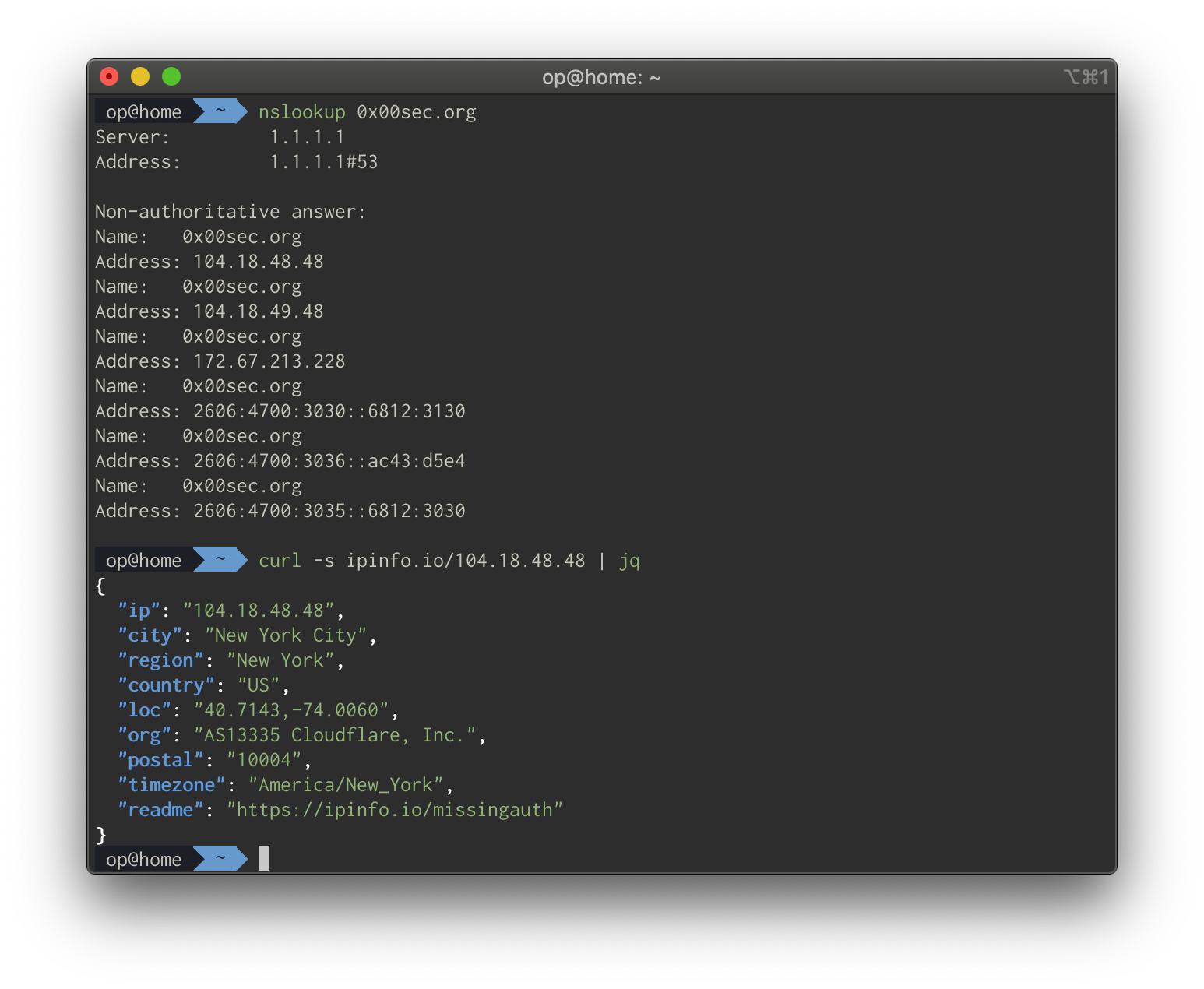
Some WAFs operate in "monitor-only mode" to track blocked traffic without enforcement. For example, 0x00sec.org uses CloudFlare for web caching and automatic hands-free SSL.
Identifying a WAF
Initial detection methods include recognizing CloudFlare IP organization labels or captcha pages. Two primary identification techniques are useful here.
Technique 1 – IP Organization Lookup:
dig +short 0x00sec.org
curl -s https://ipinfo.io/<ip address> | jq -r '.org'
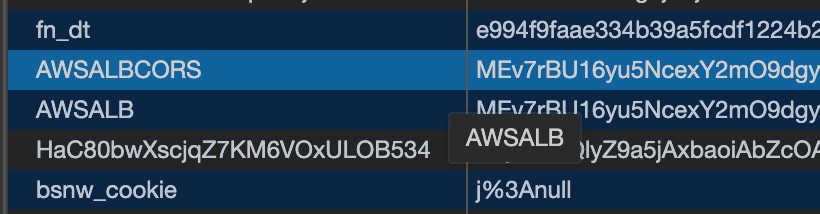
Technique 2 – AWS Load Balancer Detection:
AWS WAFs are harder to detect since they can look just like an IP of an EC2 instance, and silently block malicious requests. Detection involves identifying "AWSLB" and "AWSLBCORS" cookies through curl -vv commands.
Identifying the source
The Theory
The fundamental vulnerability exploited is administrative misconfiguration: it is very common for IT administrators to leave web servers completely open on the internet without any whitelisting to the WAF upstream itself. This approach relies on obscurity — assuming attackers cannot discover the source IP. However, there's a deep toolbox of OSINT and scanning solutions to identify servers by indexing HTML content, titles, and other metadata.
This technique applies whether you're on a penetration testing engagement or in a threat hunting scenario where you're trying to unmask an onion host.
Censys & Shodan (OSINT)
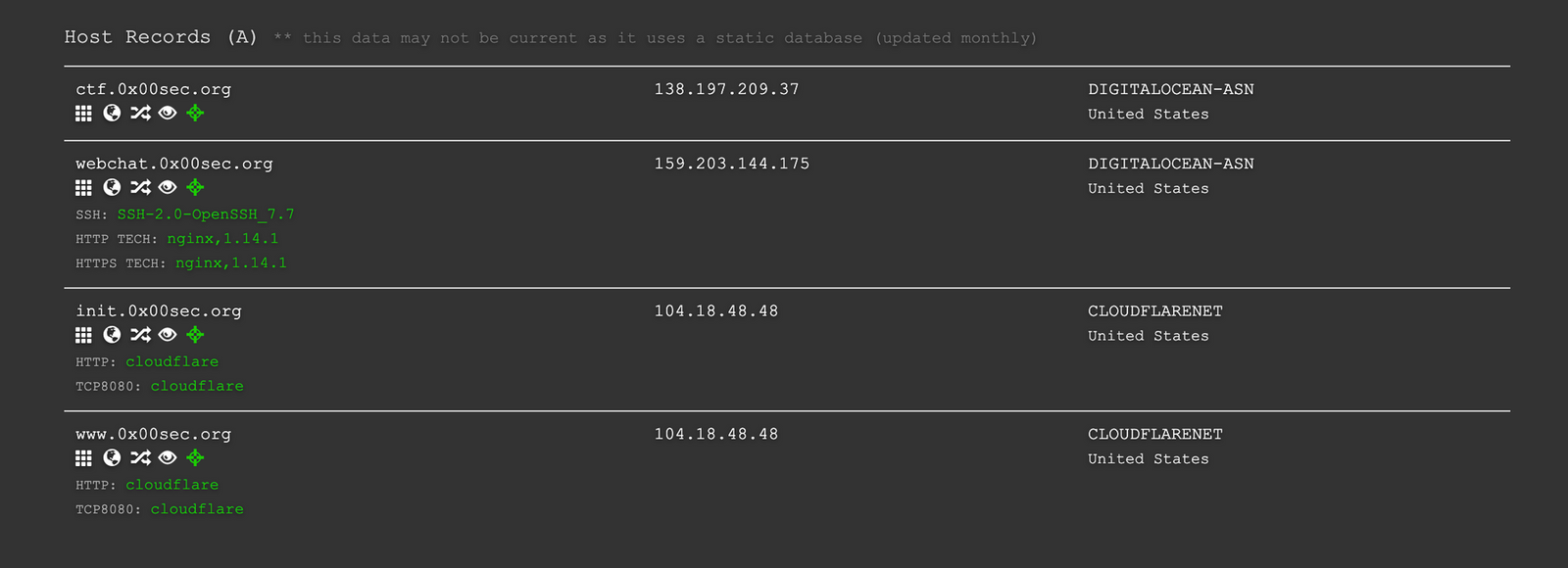
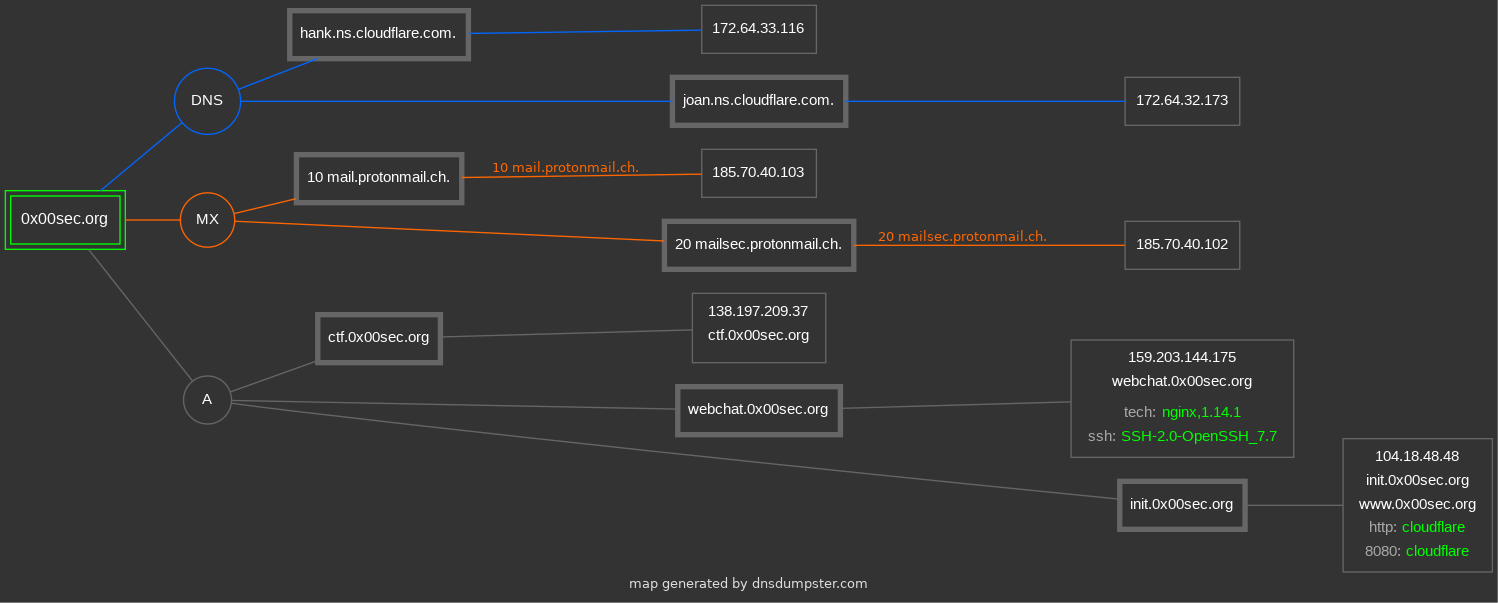
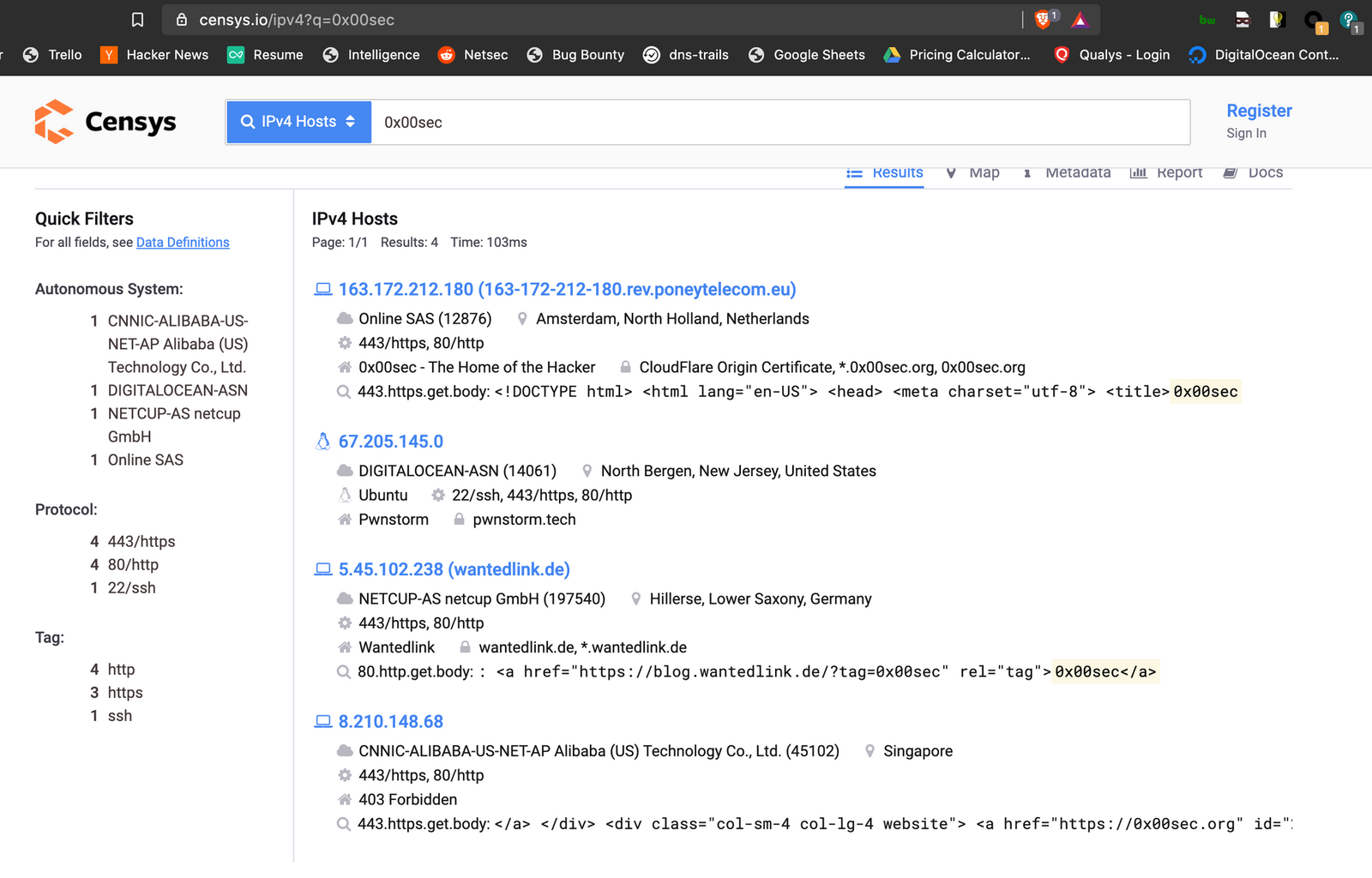
Internet search engines like Censys and Shodan index HTML pages and title tags. It's worth using dnsdumpster.com to generate organizational infrastructure maps before searching. Save matching candidate IPs in a text file as you find them.
Security Trails (OSINT)
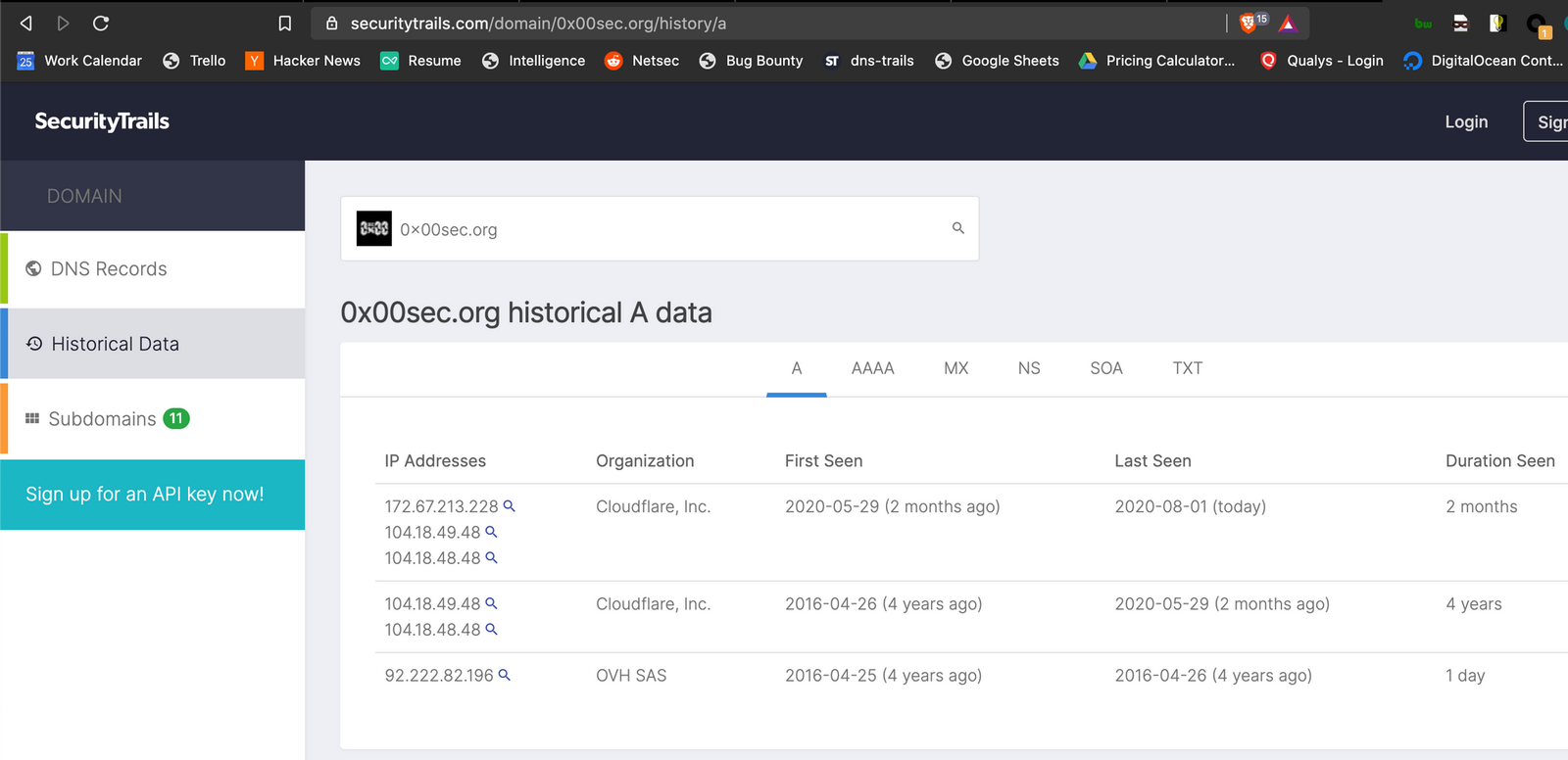
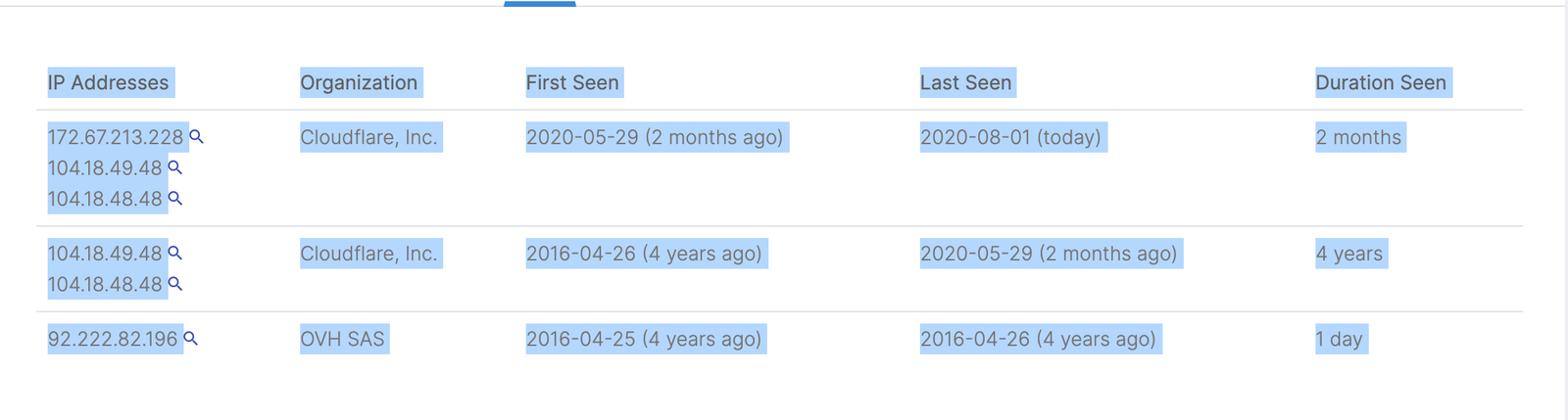
Historical DNS records reveal past IP associations. SecurityTrails DNS trails show A record history, often exposing situations where it was common for an administrator to switch to a WAF solution after some years without configuring whitelisting.
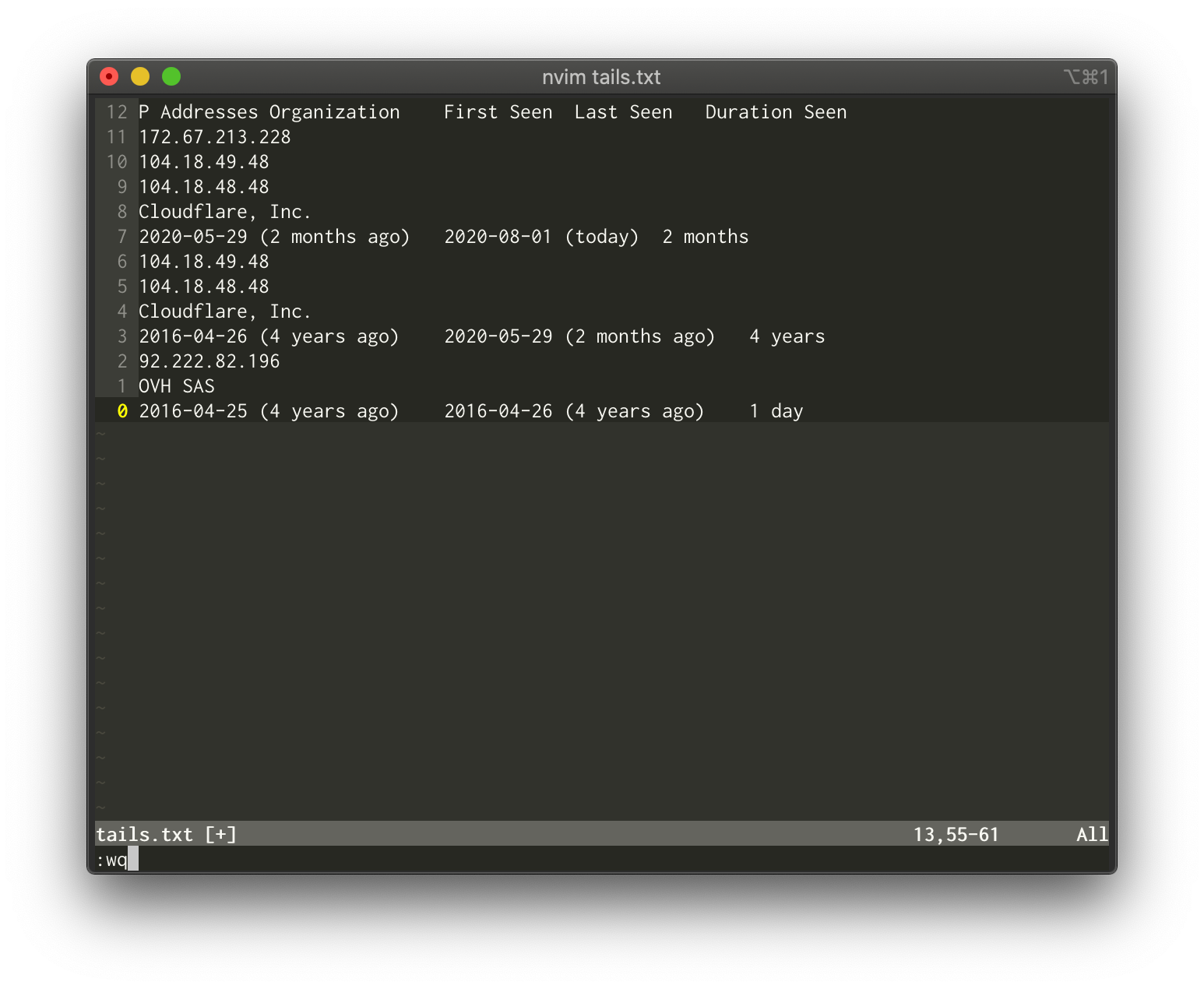
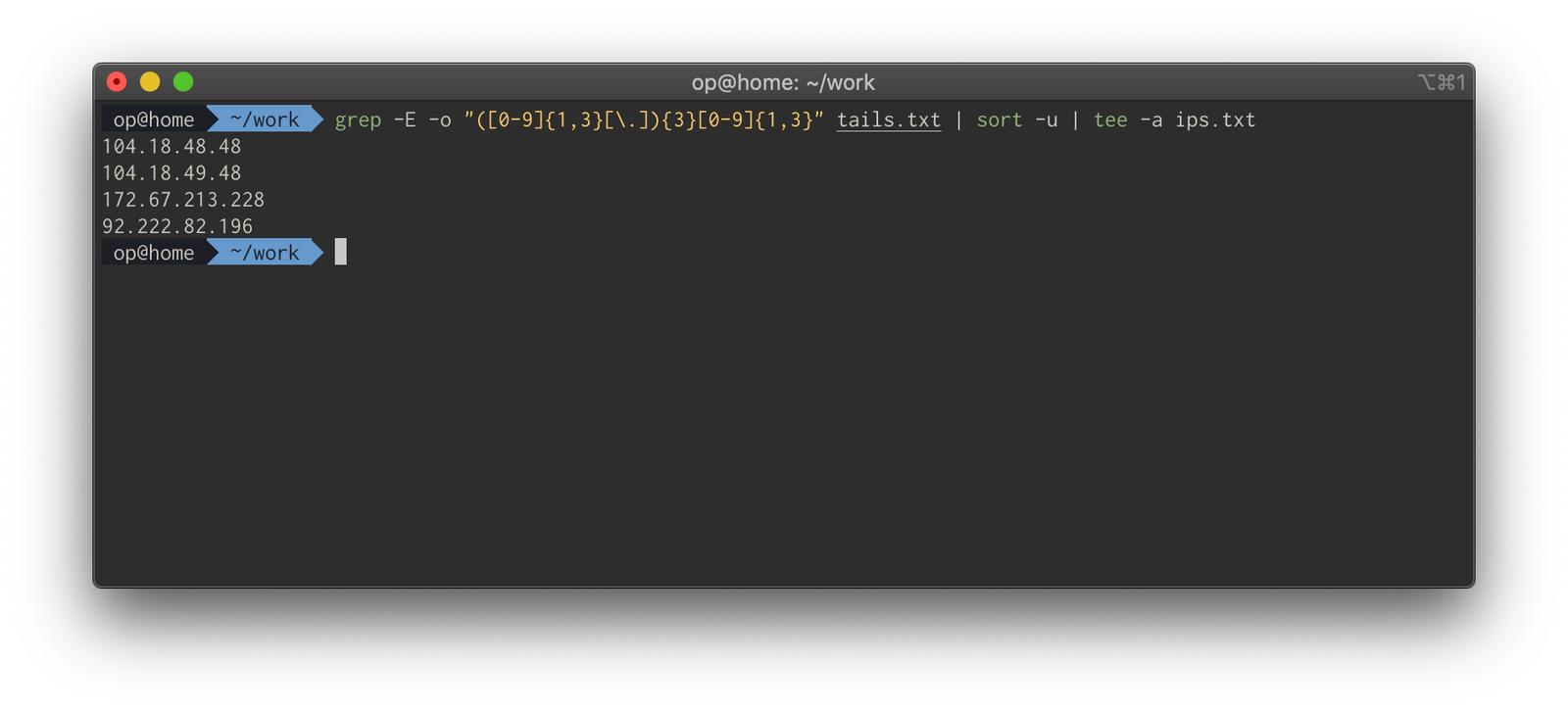
Extracting IPs from copied table data:
grep -E -o "([0-9]{1,3}[\.]){3}[0-9]{1,3}" tails.txt | sort -u | tee -a ips.txt
DNS Enumeration
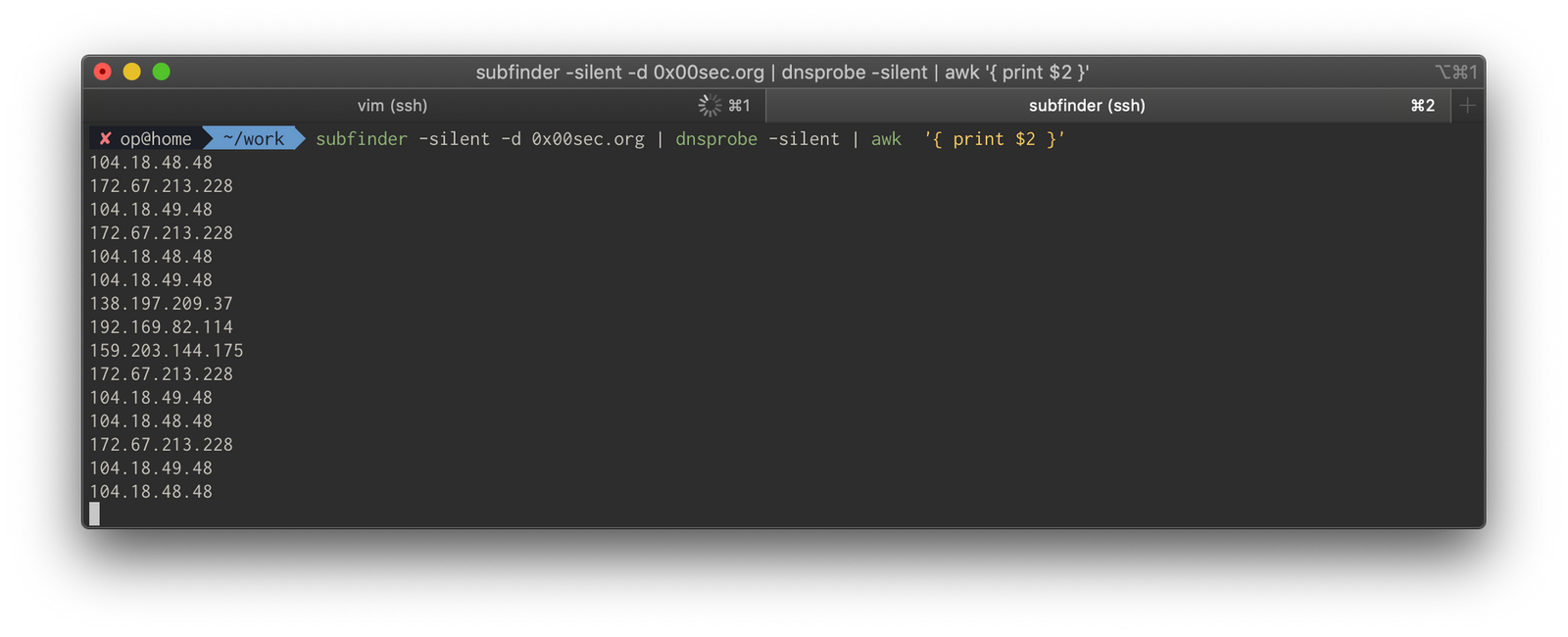
Subdomains like dev.example.com or staging.example.com often point to source hosts without WAF protection. The recommended enumeration command is:
subfinder -silent -d 0x00sec.org | dnsprobe -silent | awk '{ print $2 }' | sort -u | tee -a ips.txt
Checking IP's for hosts
After compiling IP candidates, manual filtering removes obvious public-facing sites and CloudFlare IPs, focusing on VPS providers like Microsoft Azure, Vultr, DigitalOcean, and GCP.
The primary enumeration command:
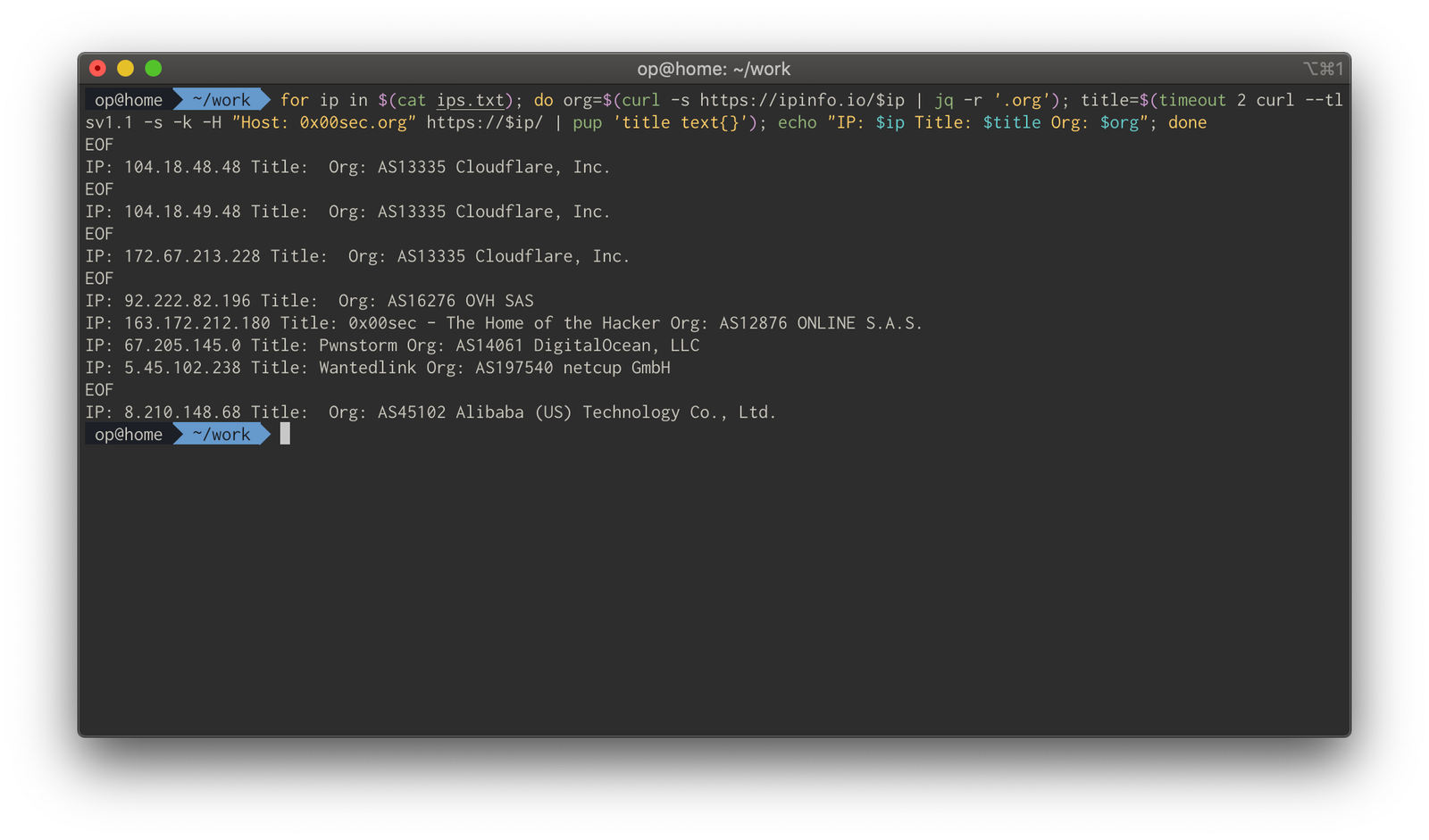
for ip in $(cat ips.txt); do org=$(curl -s https://ipinfo.io/$ip | jq -r '.org'); title=$(timeout 2 curl --tlsv1.1 -s -k -H "Host: 0x00sec.org" https://$ip/ | pup 'title text{}'); echo "IP: $ip Title: $title Org: $org"; done
Command breakdown:
for ip in $(cat ips.txt)— iterates through each file lineorg=$(curl -s https://ipinfo.io/$ip | jq -r '.org')— retrieves organization datatitle=$(timeout 2 curl -s -k -H "Host: 0x00sec.org" https://$ip/ | pup 'title text{}')— extracts HTML titles with a 2-second timeout
pup enables insanely quick html parsing tasks. Matching titles (for example "0x00sec – The Home Of The Hacker") confirms the source host has been found.
Interacting with the host
Hosts file
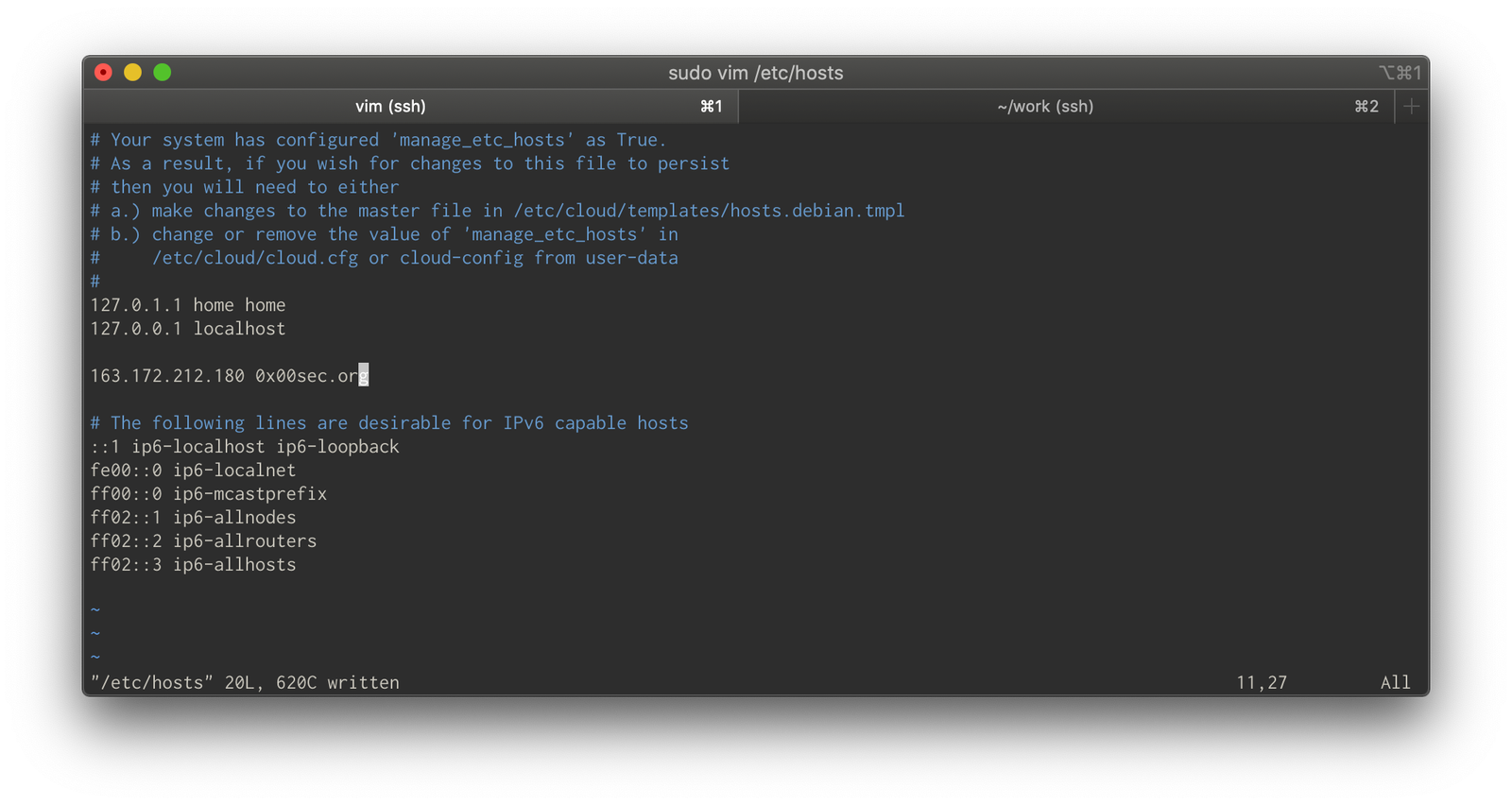
Once the source IP is identified, interaction begins via the hosts file at /etc/hosts on Linux/Unix systems, requiring superuser privileges.
Setting the Host Header manually
Alternative methods using curl or BurpSuite set headers manually without global system changes:
curl -s -k -H "Host: 0x00sec.org" https://<ip address>/
The Host header signals to the webserver which domain you're requesting.
Mass SSL Scanning (Active)
SSL certificate scanning is another detection method. Certificate fields typically contain domain names; scanning port 443 across the internet and parsing certificates can identify all related hosts. This method has surfaced many undisclosed assets for clients — shadow IT is scary.
Get the server to make a request
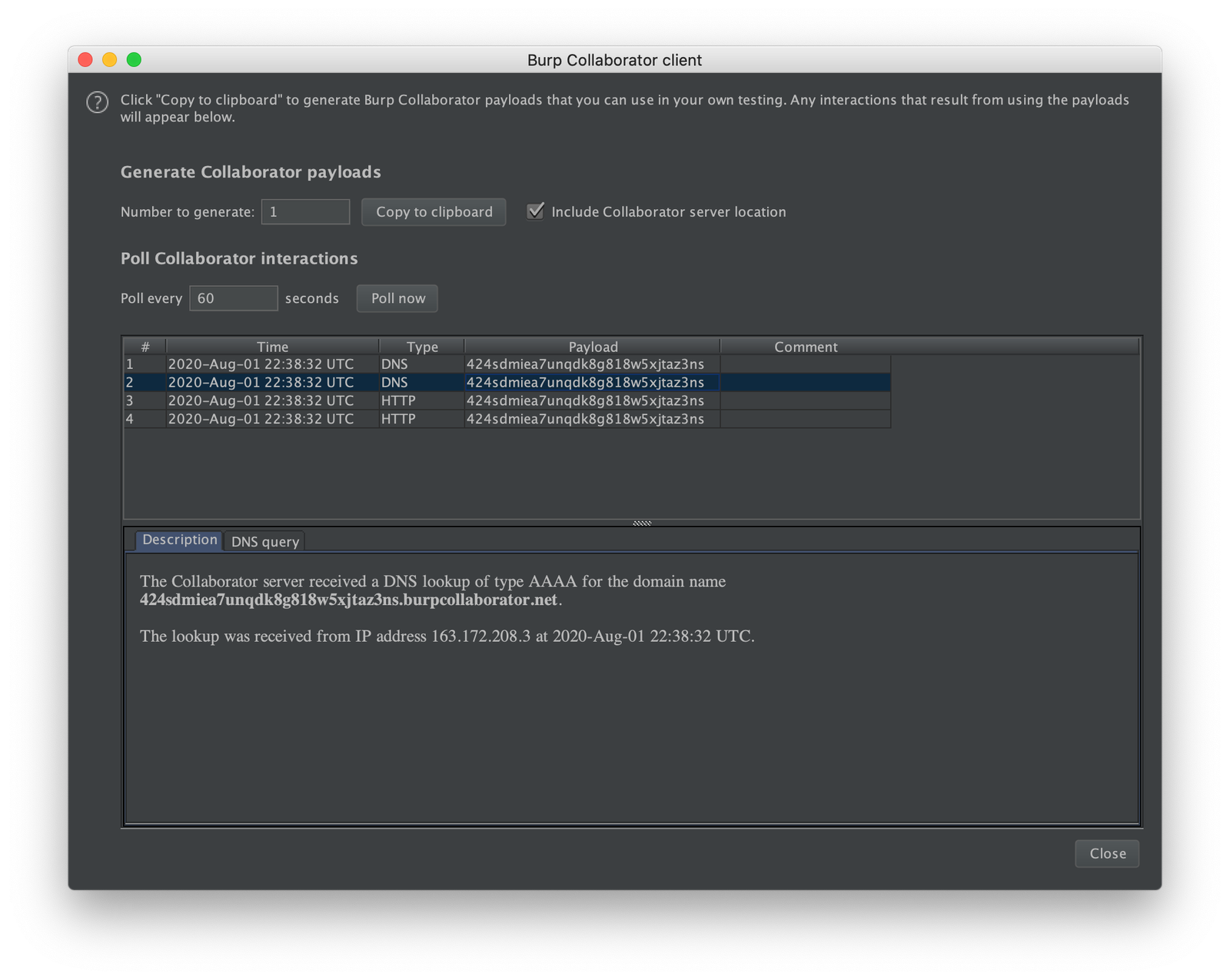
A nuanced approach exploits remote URL include functionality, such as "include image from URL." Using Burp Collaborator allows attackers to observe server callback attempts. This works better for simple server setups (for example a single webapp) than complex multi-networked systems, which run into OOB DNS challenges.
Crobat Reverse Lookups
This technique uses Crobat for reverse DNS lookups across IP ranges. The workflow integrates ASN range data:
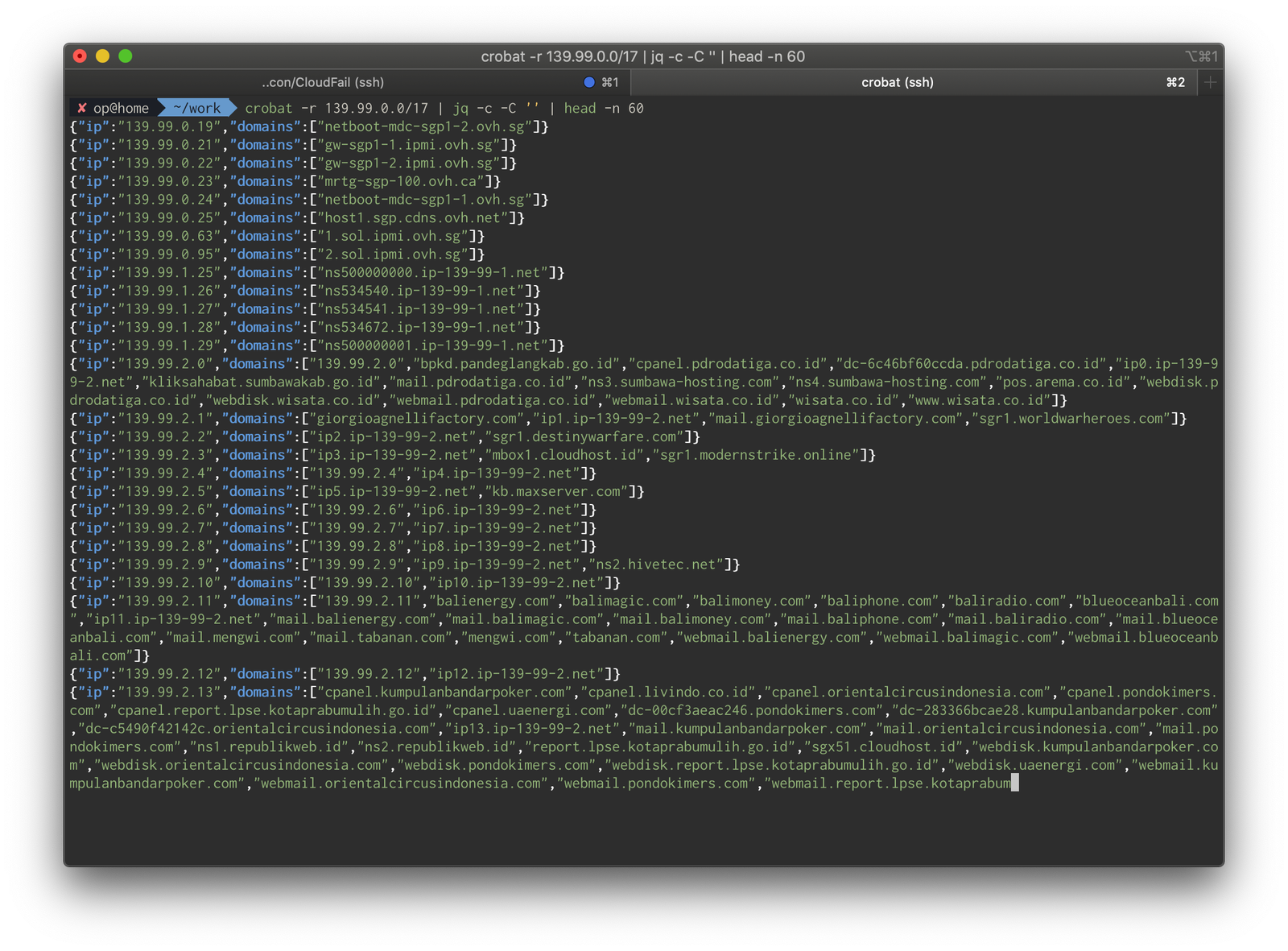
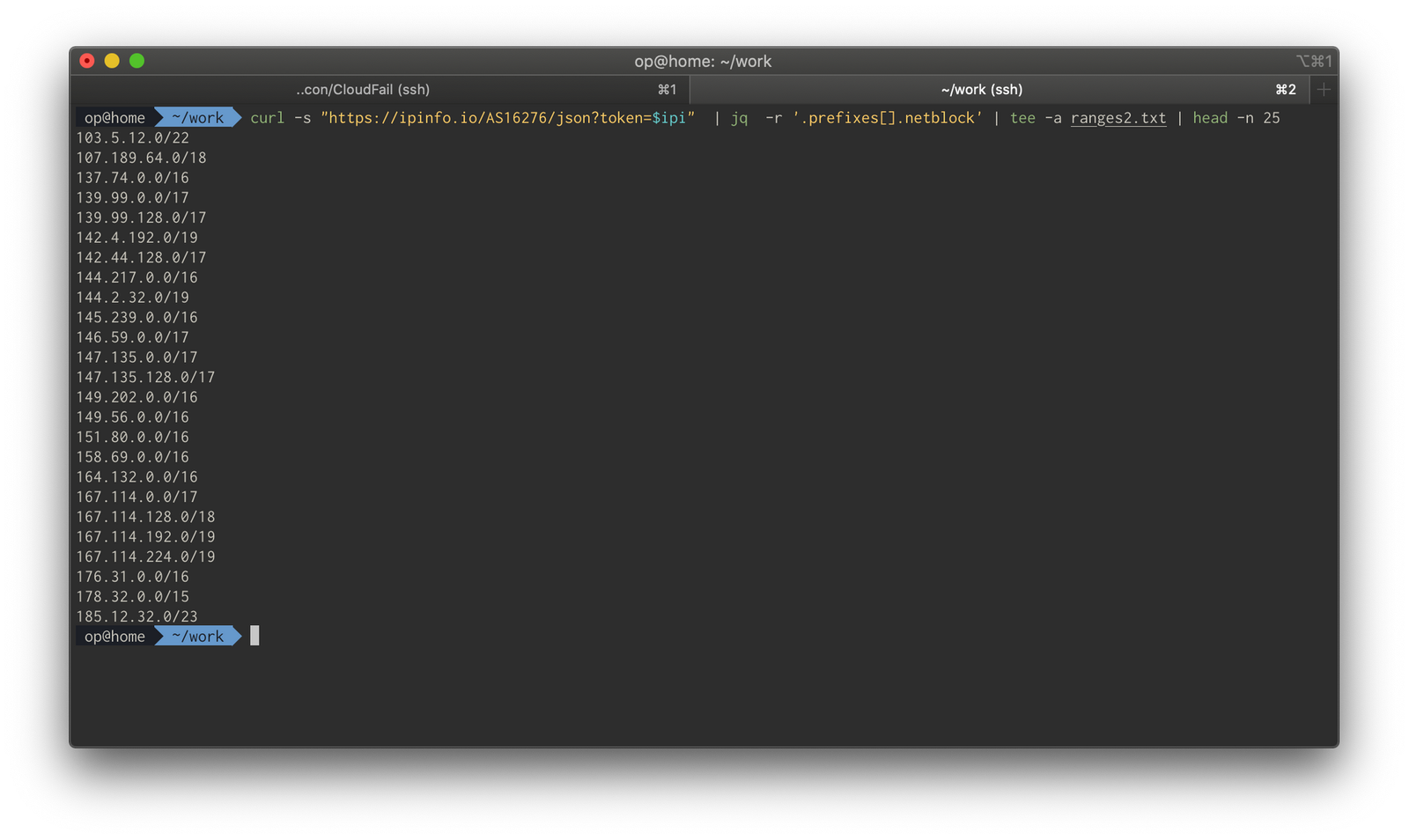
curl -s "https://ipinfo.io/AS16276/json?token=yourtokenifyouhaveit" | jq -r '.prefixes[].netblock' | tee -a ranges.txt
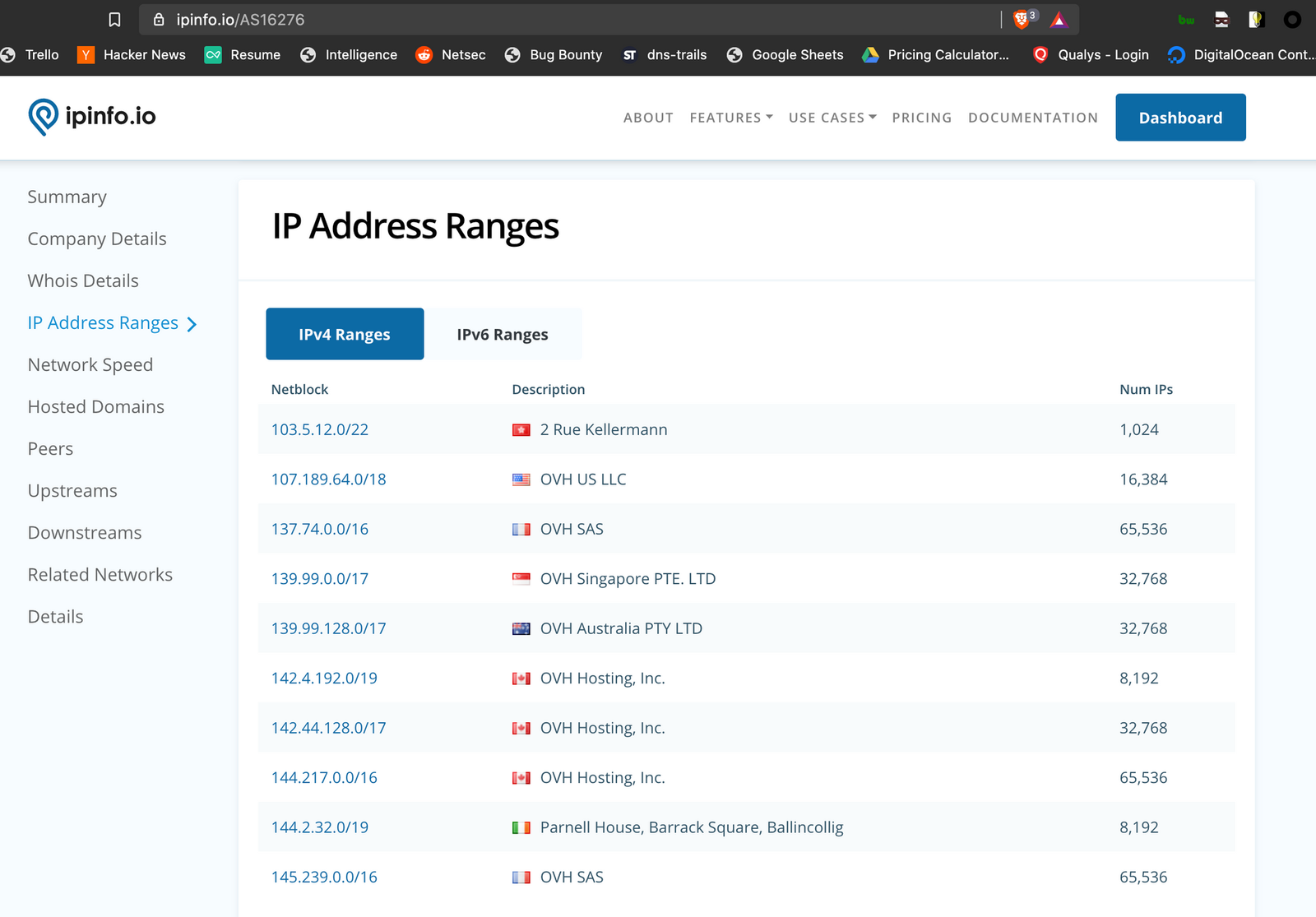
For non-premium users, manual extraction from the ipinfo.io ASN pages provides ranges.
Range extraction:
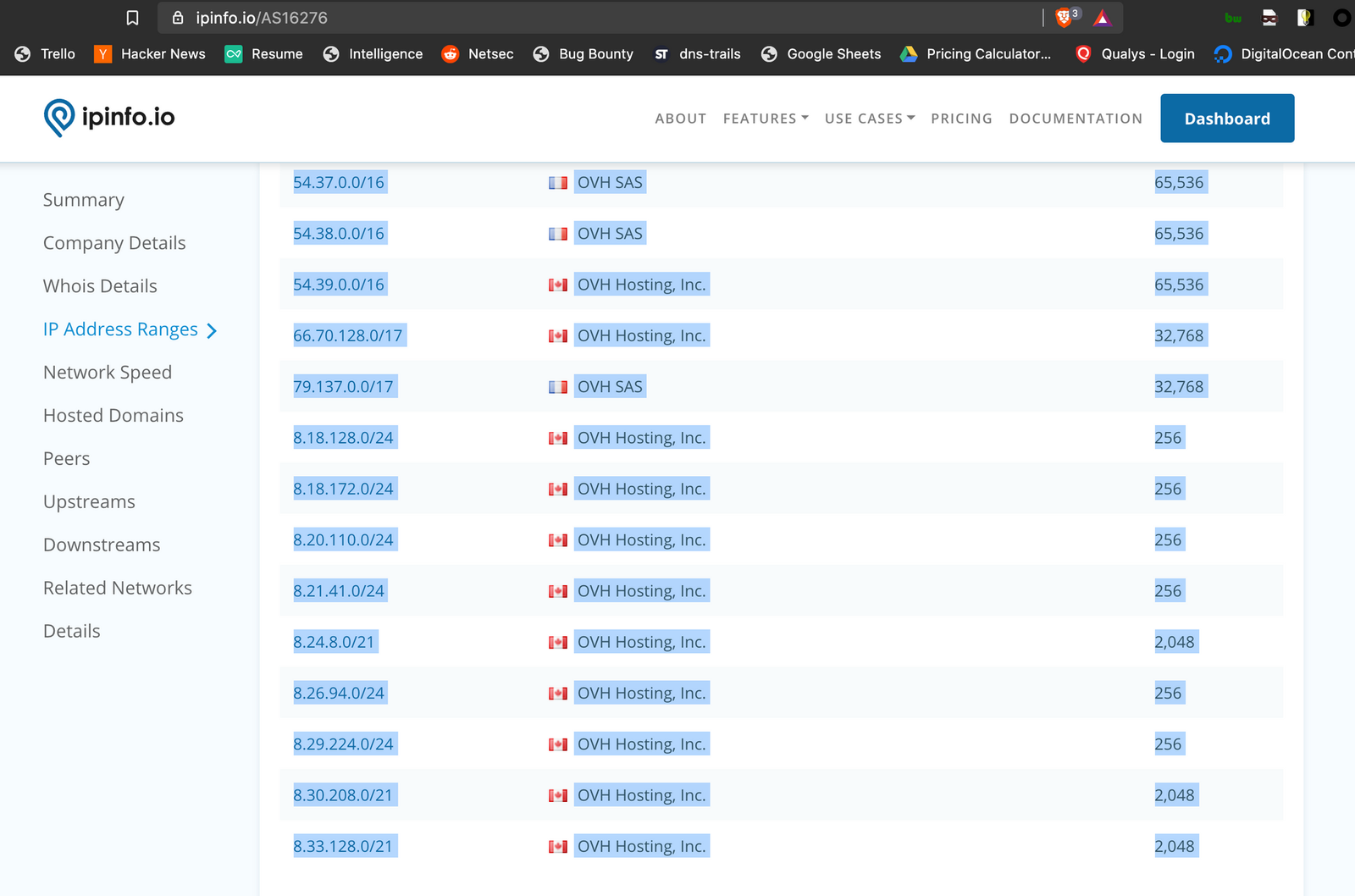
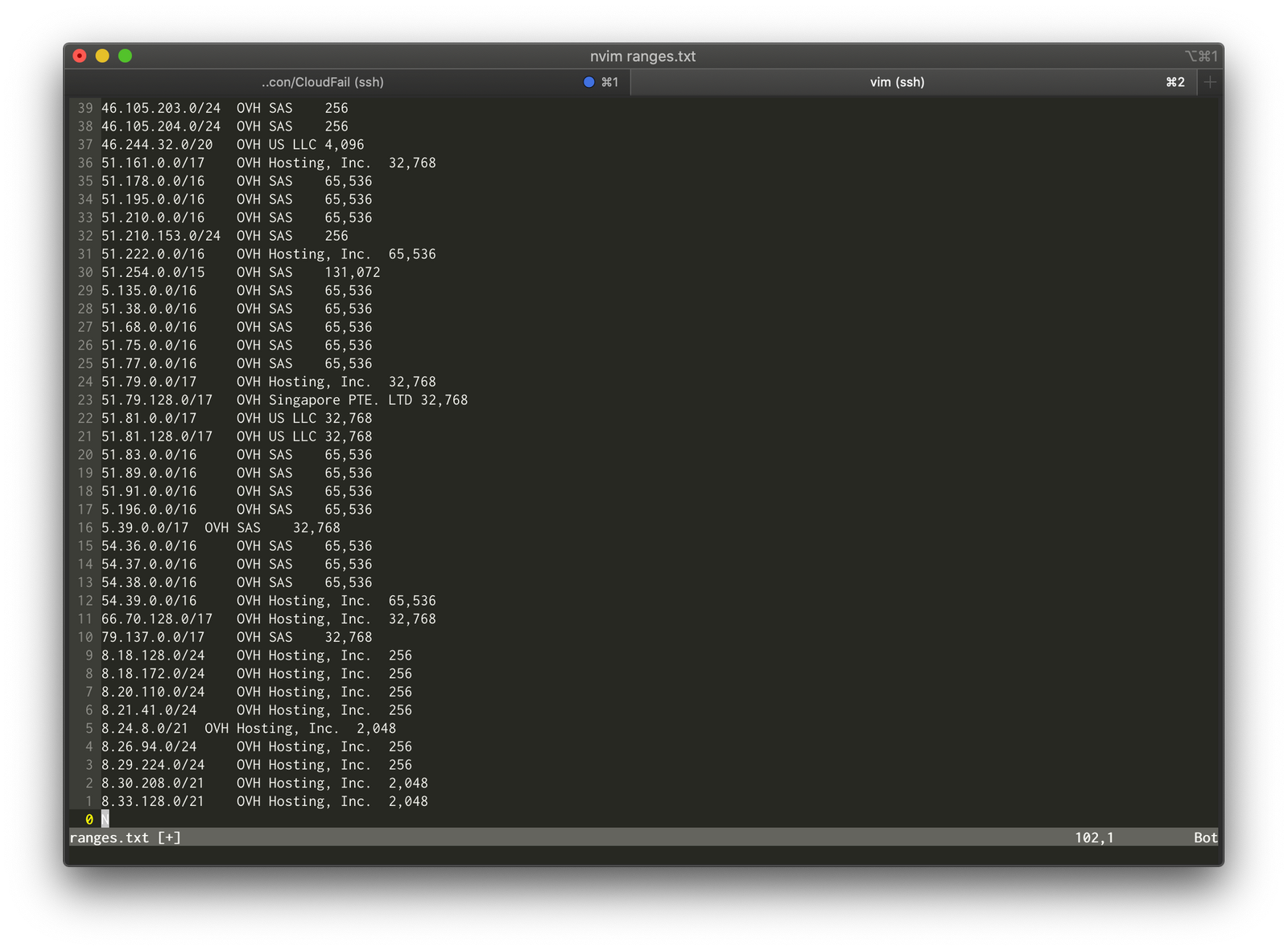
cat ranges.txt| awk '{ print $1 }' | grep "\." | tee -a source.txt
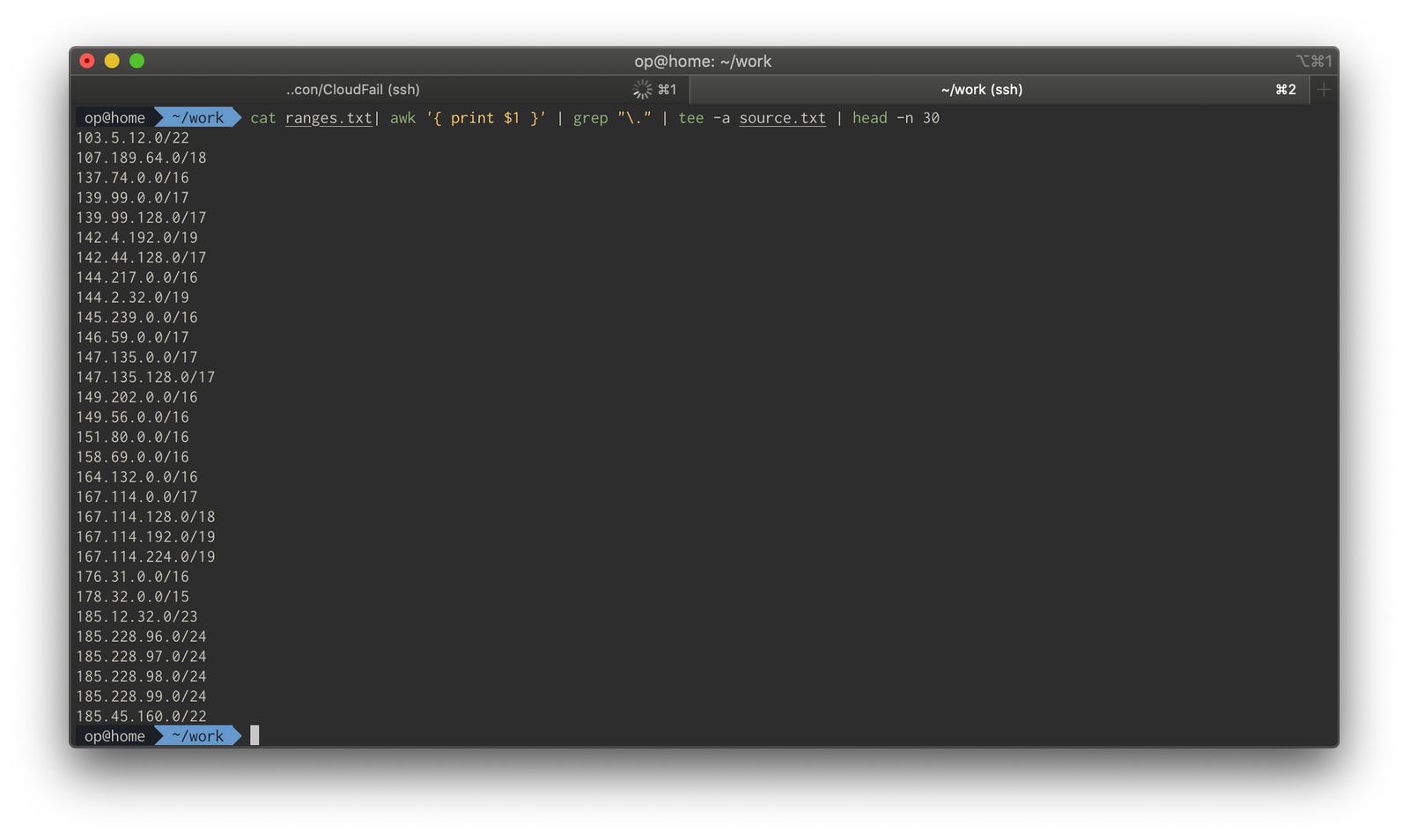
Bulk range retrieval from cloud providers uses easyasn.xyz:
curl -s https://easyasn.xyz/companies/amazon/ranges.txt | grep -v ":"
The final reverse lookup loops through ranges:
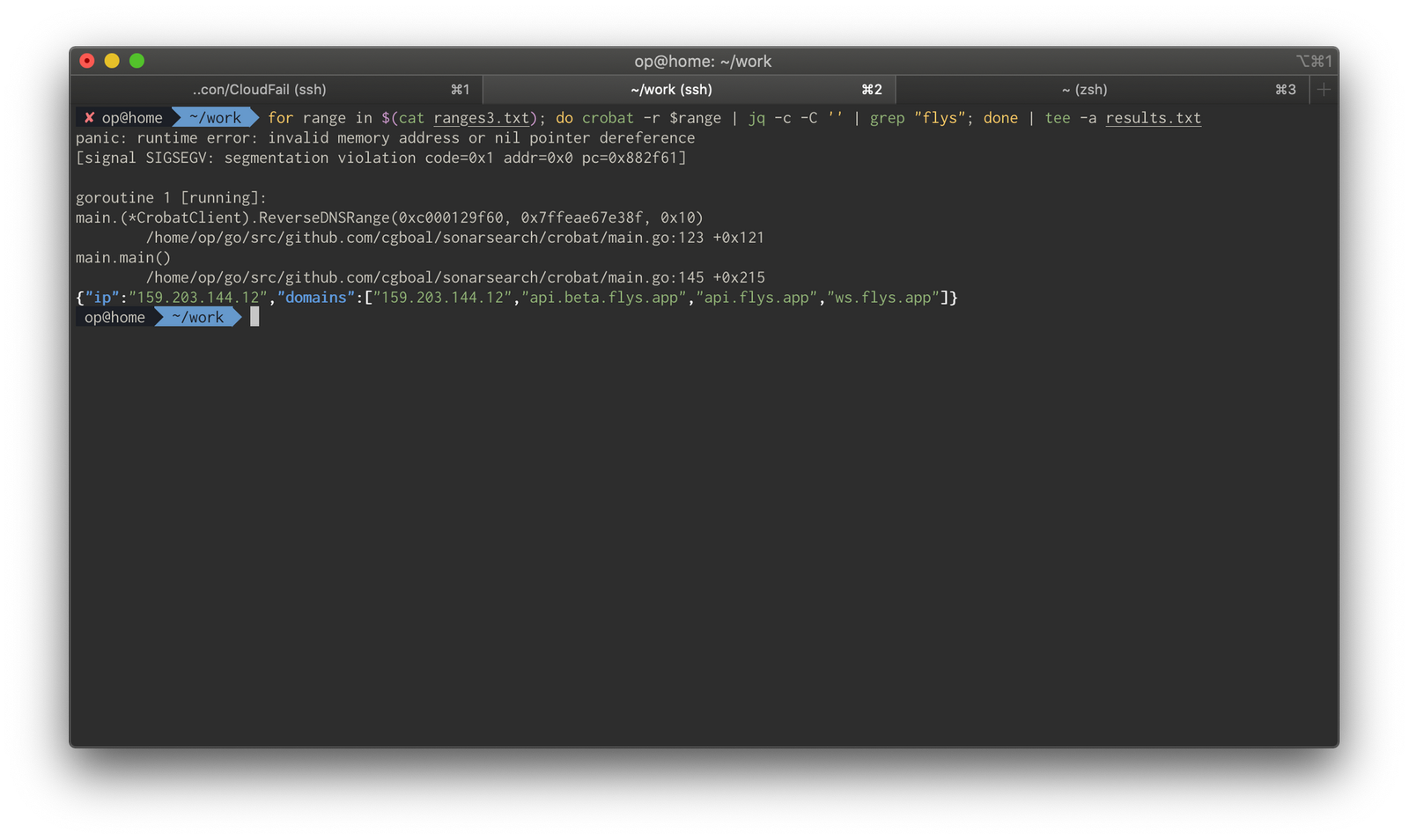
for range in $(cat source.txt); do crobat -r $range | jq -c -C '' | grep "0x00sec.org"; done | tee -a results.txt
Cycle discovered assets back through the previous steps until you think you've gotten good coverage.
CloudFail (Automagic Python)
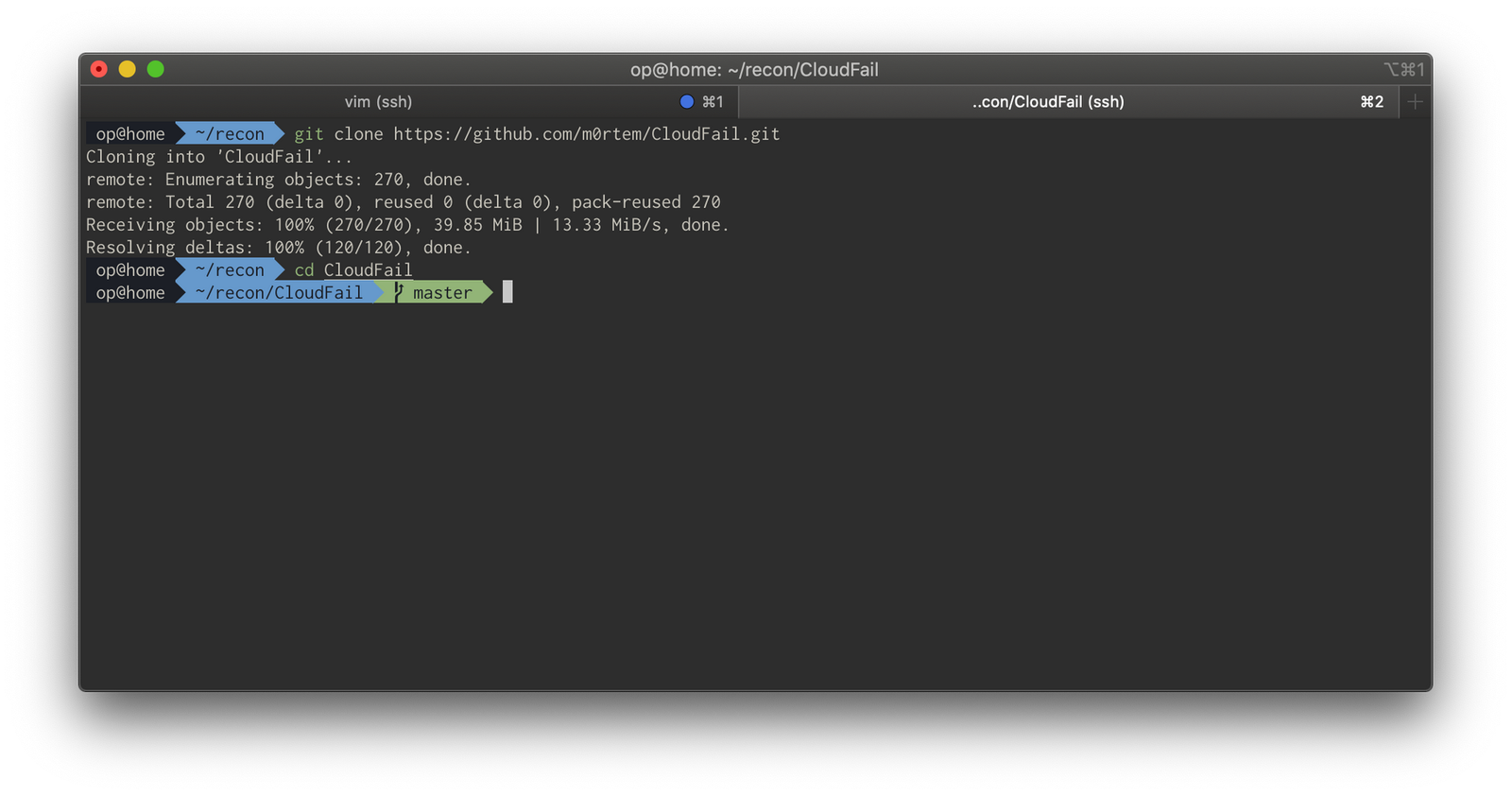
CloudFail provides automated source identification:
git clone https://github.com/m0rtem/CloudFail.git
cd CloudFail
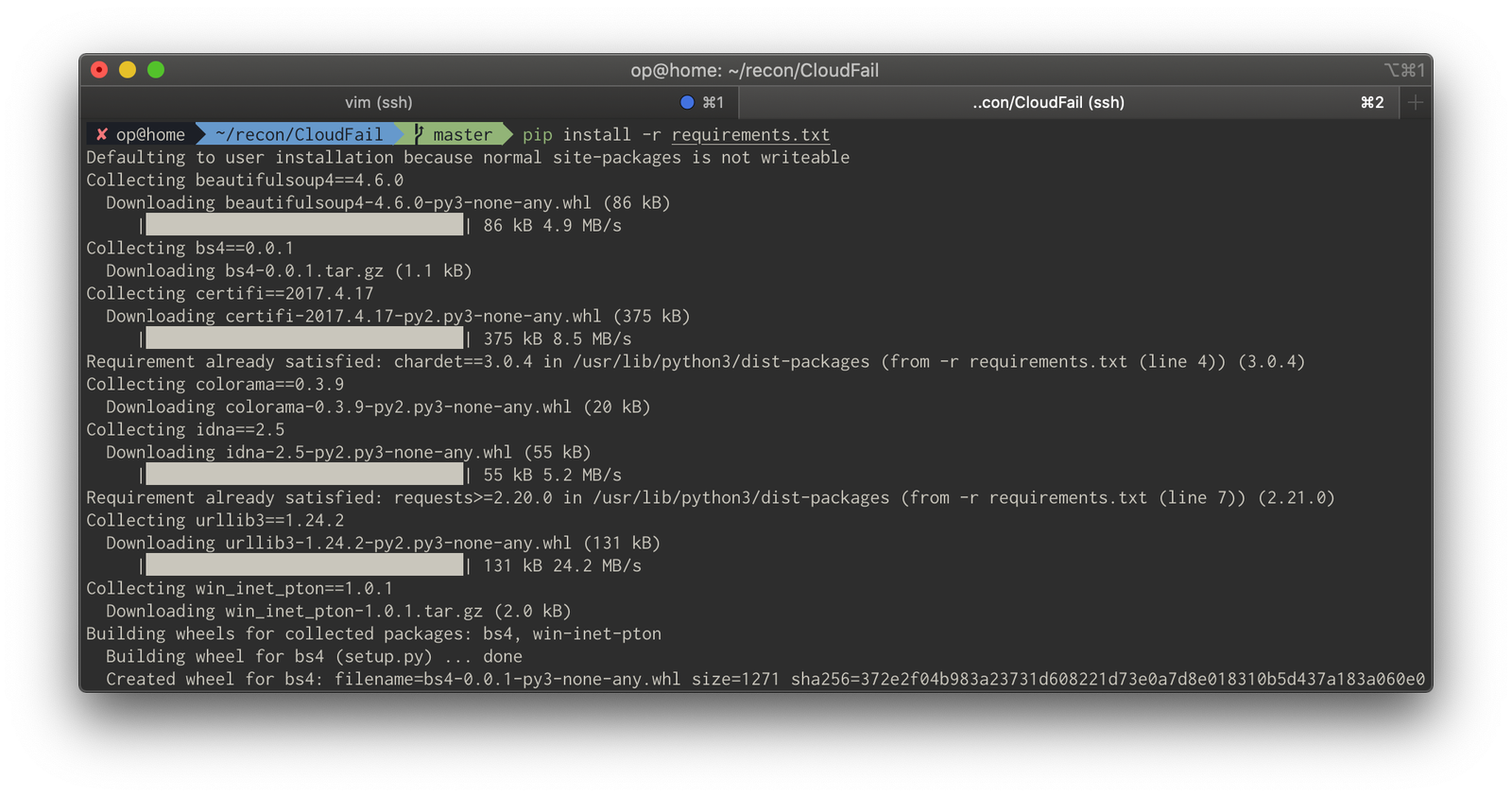
pip install -r requirements.txt
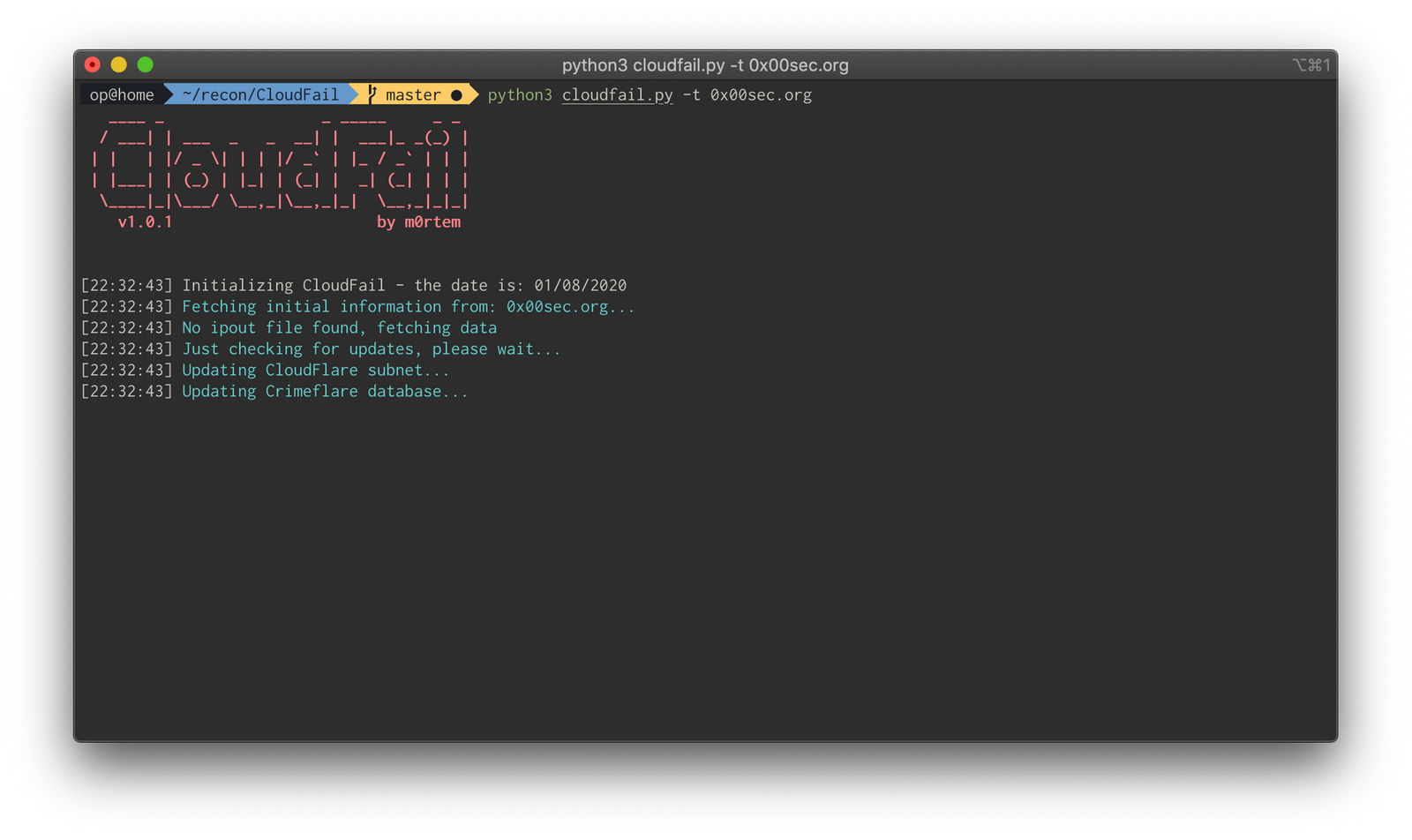
python3 cloudfail.py -t 0x00sec.org
It works sometimes, sometimes it doesn't, but it definitely makes for a good pentest money shot.
Mitigation
Defense recommendations for blue teamers emphasize whitelisting WAF upstream traffic and restricting management access. Don't rely on WAFs to mitigate really bad vulnerabilities — they should be treated as a last line of defense, with priority given to fixing vulnerabilities in code itself.
IPInfo.io
ipinfo.io is a useful tool across reconnaissance workflows, along with the related tool host.io.
Conclusion
These techniques essentially come down to pulling OSINT and chucking it at a wall to see what sticks — similar methodologies apply to unmasking onion domains and other obscured assets.